
UpCloud is a cloud hosting provider, which basically means they rent out powerful computers (servers) over the internet where you can run websites, apps, or databases. Think of it like a super-fast remote computer that is always on.
For students and individuals, this offer is a golden ticket to learn "real-world" IT skills. Instead of just reading about how servers work, you can actually build one. With the $250 free credit, you can deploy multiple powerful servers to practice Linux, host your own portfolio website, or even try out game servers.
How to get $250 Credit in Your UpCloud Account?
Getting this offer is straightforward, but you need to be a "new user."
1. Visit the Website: Go to the official UpCloud signup page and make sure you have not created account on UpCloud before.
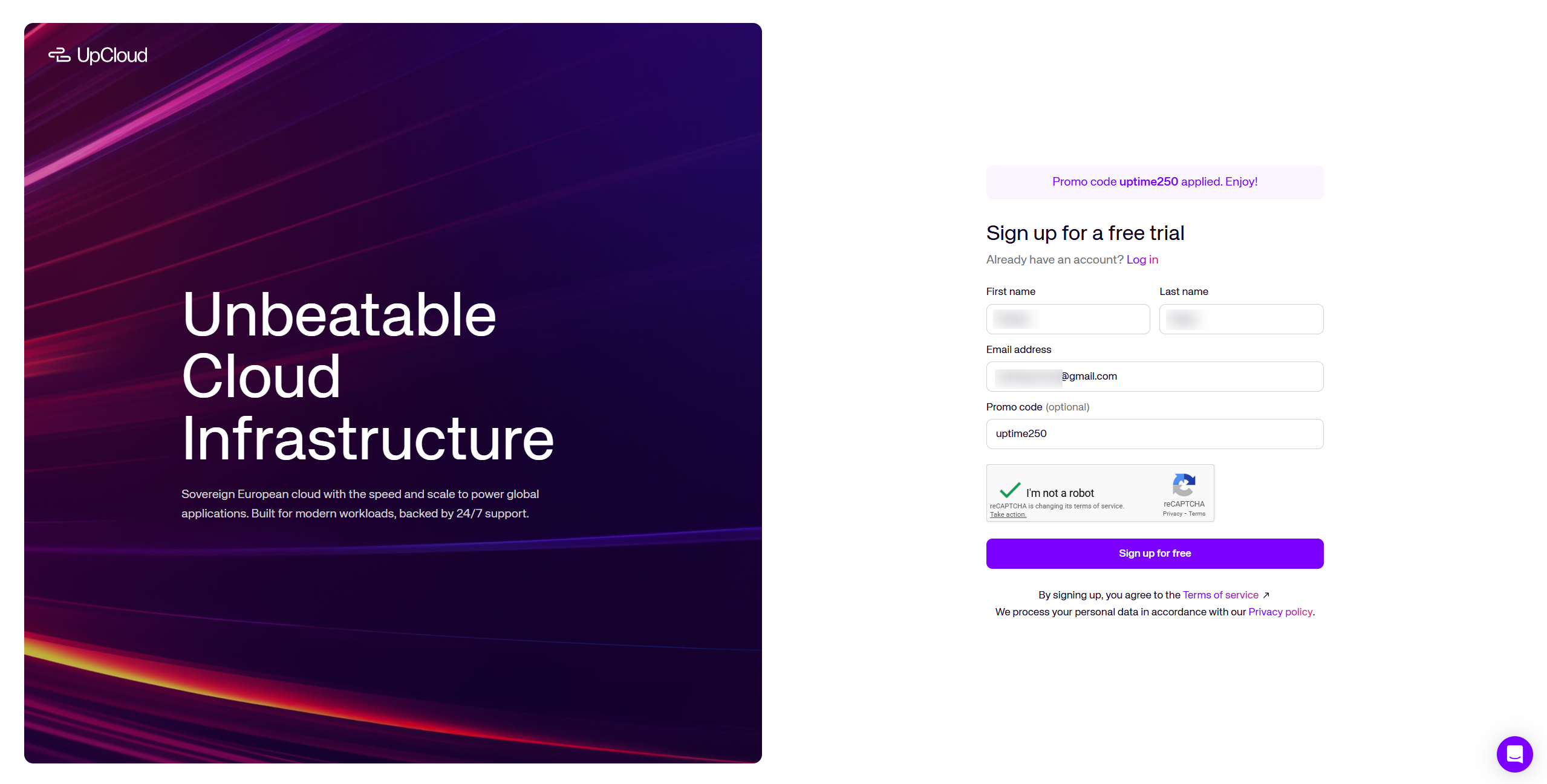
2. Create an Account: Specific promo links auto-apply the code "uptime250" (as shown in above image). Enter your basic details like name, email, number etc to create an account.
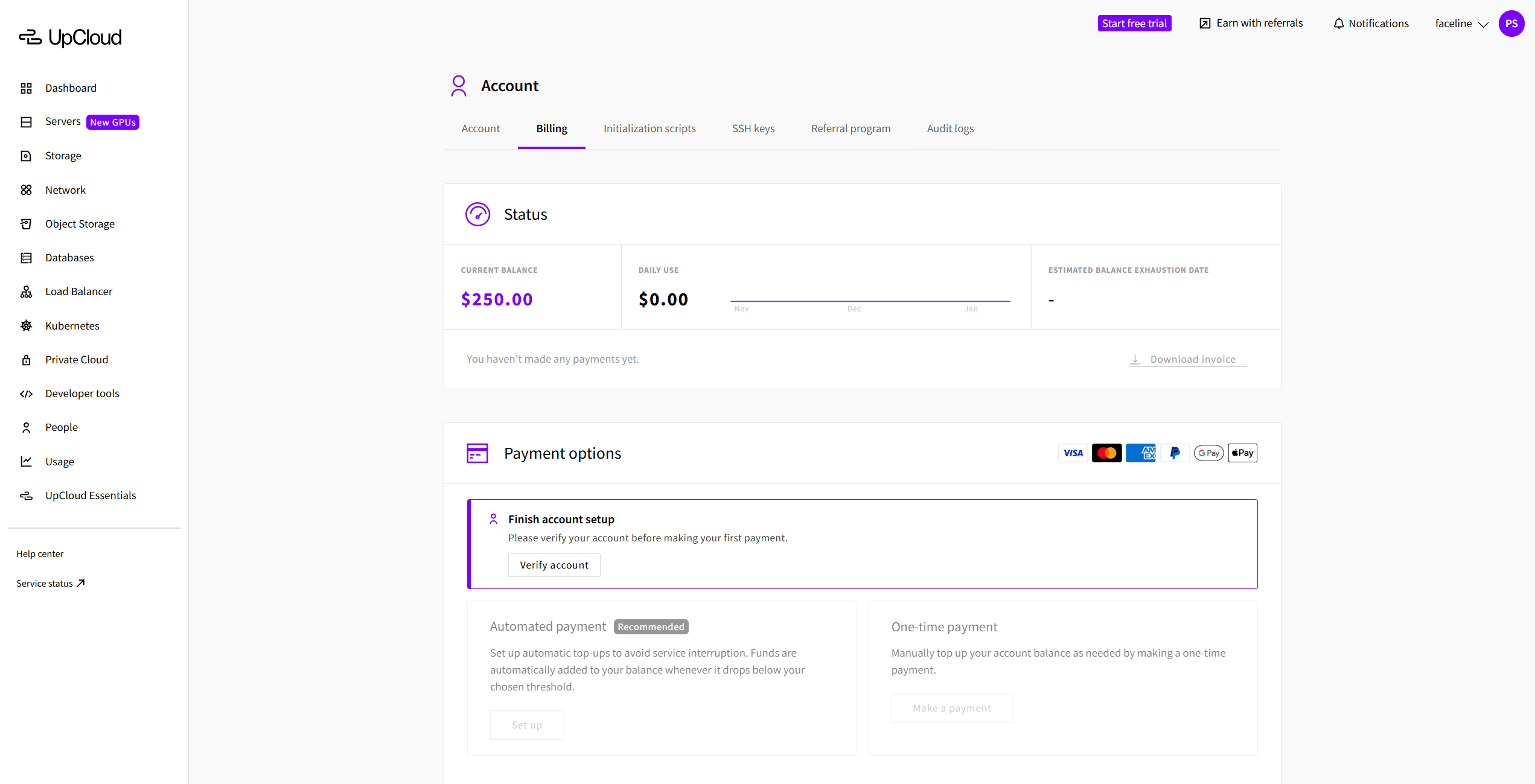
3. Check Your Credit Balance : You shall see $250 credit balance on your account. To use these credits, you will likely need to add a credit card by making a small payment ($0 in our case) to prove you are a real person and not a bot. This is standard for almost all cloud providers.
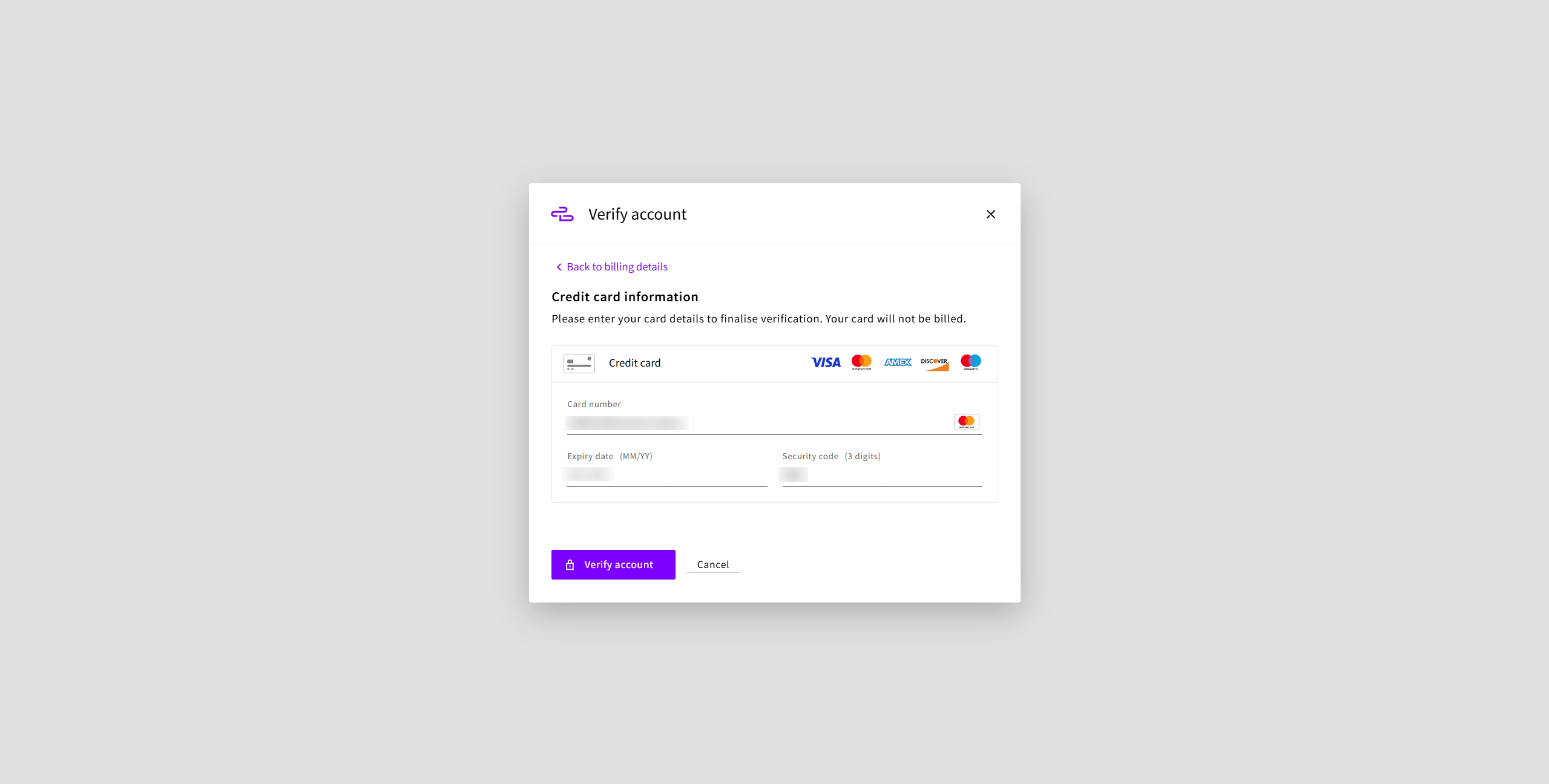
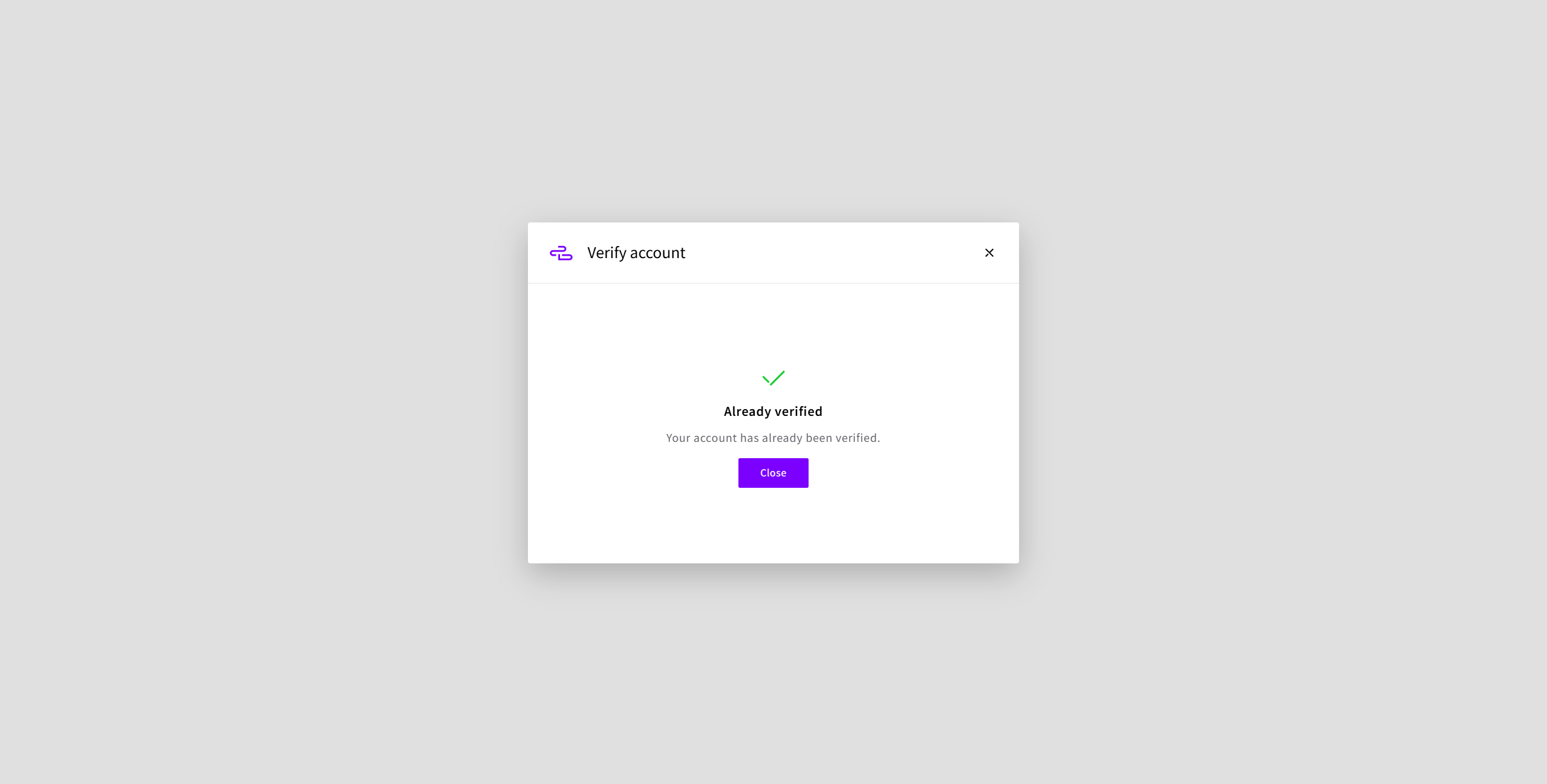
4. Enter Your Identity: Click on "Account" - "Billing" - "Payment options" - "Finish account setup" - "Verify account". Submit your credit card information and verify the details by clicking "Verify account" button. You will see success message.
5. Create a Powerfull Server: Once verified, the $250 credits are now ready to use, and you have 30 days to use them. Lets create a powerful server of max 8 vCores and 16GB RAM server to test due to account limitations. Go to "Servers" - "Cloud Servers" - "Select 8 core + 16GB ($92/month) server" and deploy it.
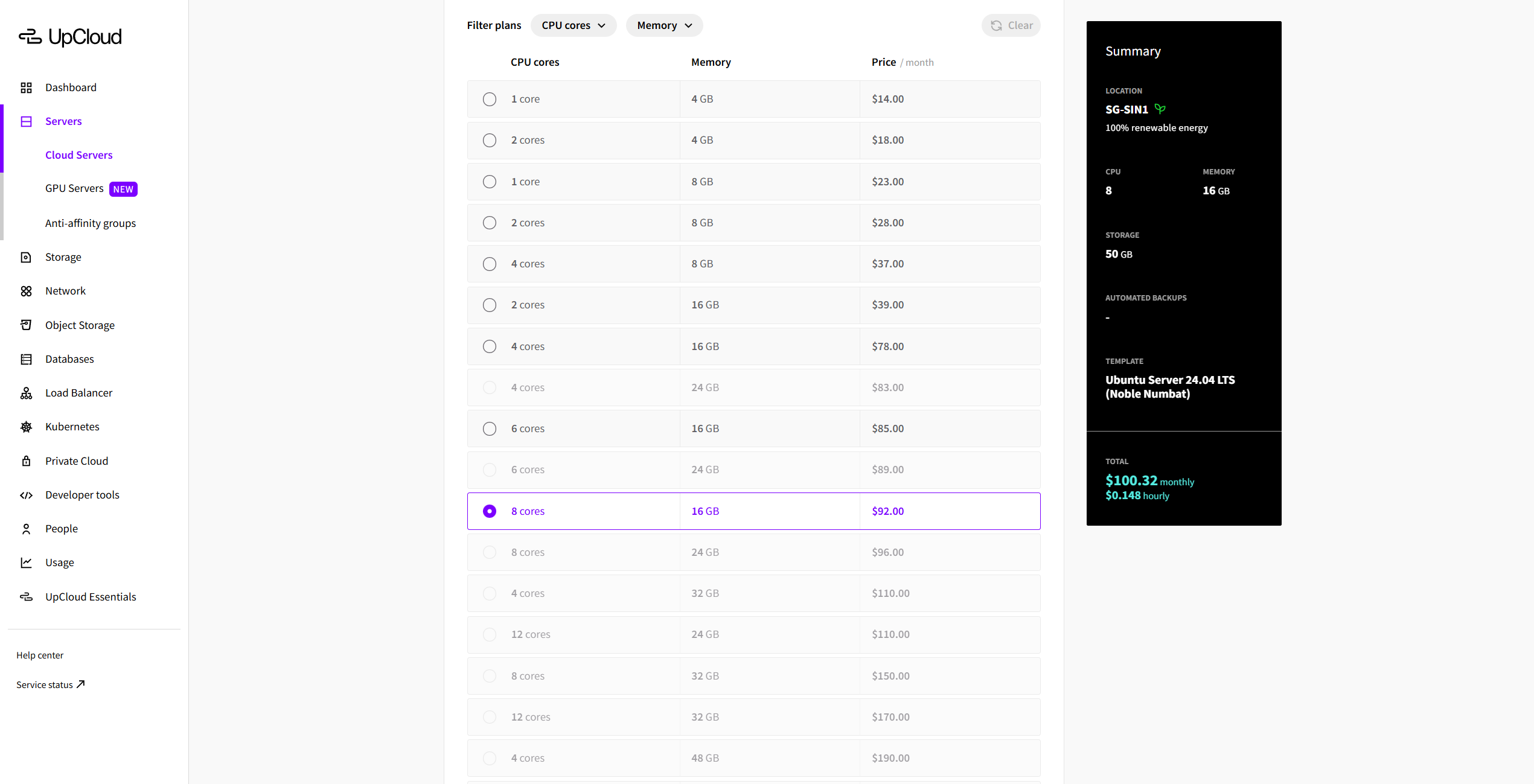
6. Start Building: The server should spin up within a minute of two. Start testing your project with the compute power or you maybe use GPU powered servers too.
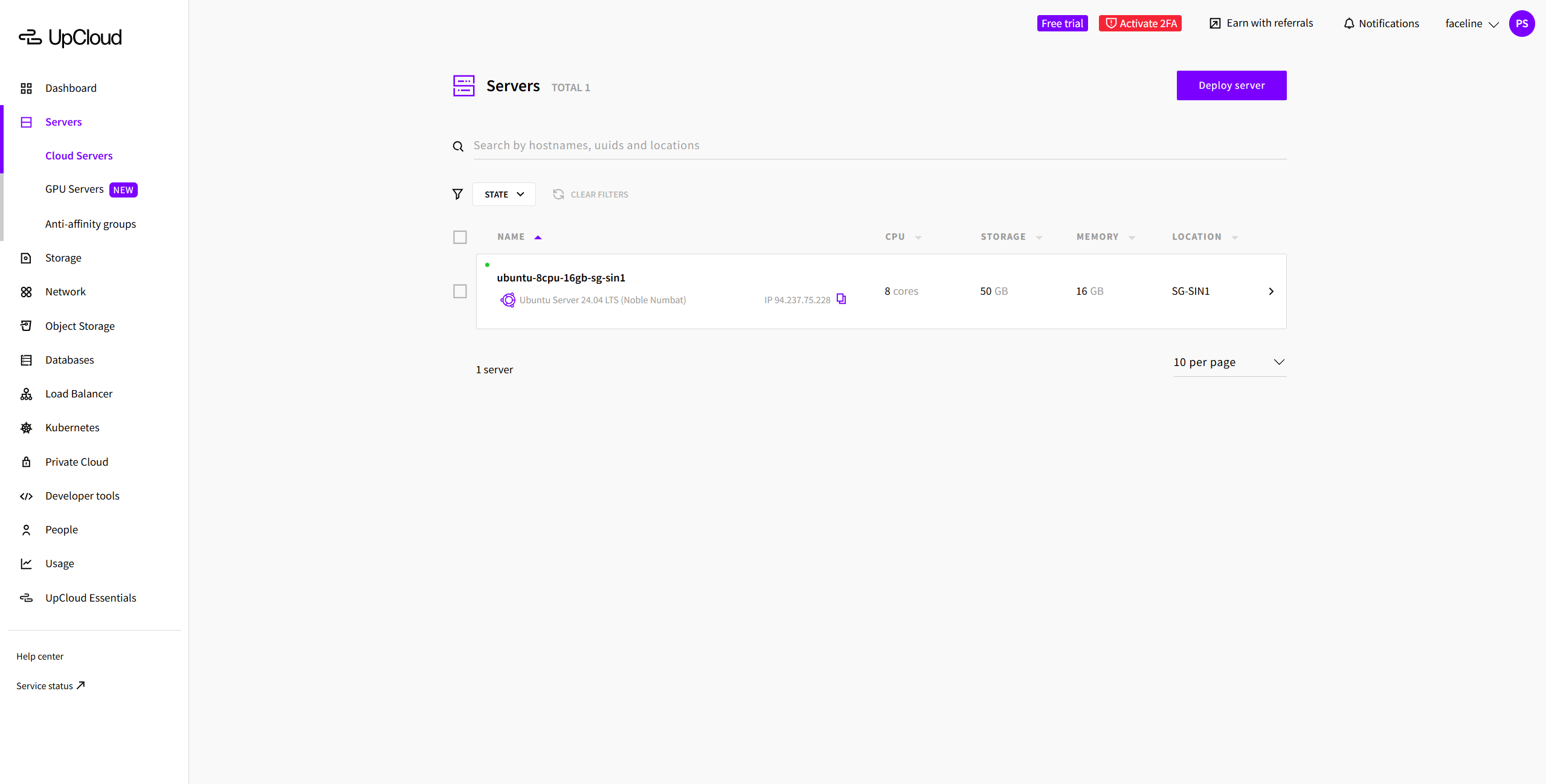
Enjoy testing your project for 30 days with no additional cost to you. After 30 days, make sure to shutdown the server and delete it to avoid future payments.
Key Benefits
- World's fastest cloud storage technology (MaxIOPS).
- 24/7 customer support usually answers in under 2 minutes.
- Data centers available globally (Europe, USA, Asia).
- 99.999% uptime guarantee (it almost never goes down).
- Easy-to-use control panel for beginners.
Eligibility
| Requirements | • Credit Card (Verification Only)
|
|---|---|
| Criteria |
|