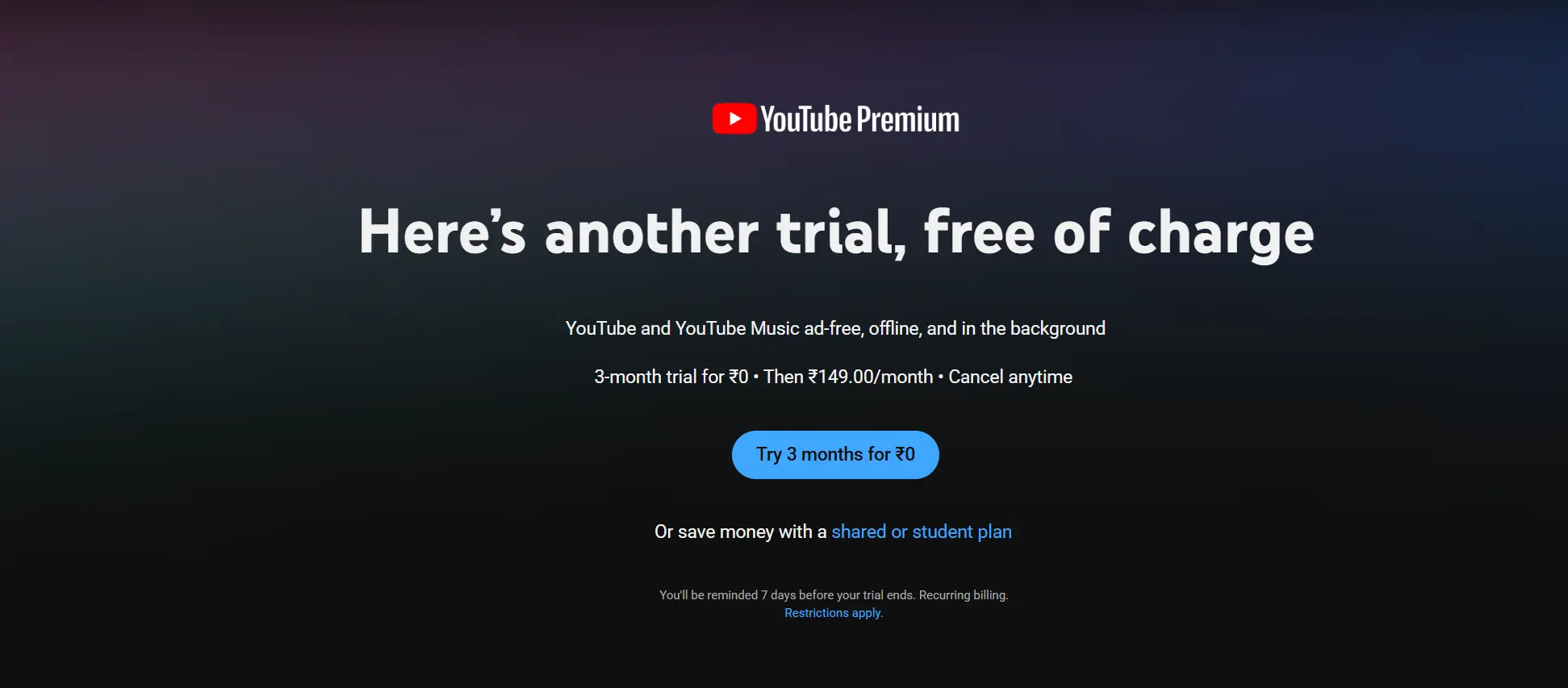
LinkedIn Premium users can currently score an exclusive 3-month trial of YouTube Premium. If you want to dump the annoying video ads and get background play on your phone without paying a dime, this is how you grab it.
- Head to the Resourify LinkedIn Page to activate your active LinkedIn Premium account for free.
- Go straight to the LinkedIn Premium Perks Dashboard.
- Find the YouTube Premium reward tile "3 months of YouTube Premium".
- Click button "Redeem 3 months on us", and you will be redirected to Youtube special link.
- Click "Try 3 months for $0" and add your card details.
- Enjoy 3 months for free. Make sure to add a reminder to cancel the subscription before the trial expires.
Benefits
- Completely removes all banner and video advertisements across the entire platform.
- Enables background playback so audio keeps running while using other apps or when the screen is locked.
- Allows full video downloads to your mobile device for offline viewing anytime.
- Includes full complimentary access to the YouTube Music Premium streaming catalogue.
Eligibility
- Must have an active paid or trial subscription to LinkedIn Premium.
- Only valid for accounts that have not previously used a YouTube Premium trial.
Get 6 months of YouTube Premium at zero extra cost when you sub to the top-tier Unlimited Premium plan. This unlocks completely ad-free viewing, background play, and offline downloads for both YouTube and YouTube Music. Each line member on your family group gets their own 6-month trial window. Once the 6 months run out, it auto-renews at the standard monthly rate unless you opt out.
How to claim this offer?
- Fire up a browser on your phone or PC and head to fi.google.com/account#plan.
- Sign in using your main Google Fi credentials.
- Head straight over to your "Member Profile."
- Look under the "Devices & Subscriptions" list, spot YouTube Premium, and click "Get started."
- Click through the on-screen prompts to link it to your Google account.
If you're a college student still sitting through unskippable ads, stop. This deal gives you 1 month entirely free, then drops the monthly price by about half (roughly $7.99/mo depending on your region) for up to 4 years.
How to get YouTube Premium student discount?
- Go to the official student premium page and click 'Get Student Plan'.
- Verify your active student status via SheerID (use your school email and have your student ID or transcript ready).
- Add your payment method to activate the free trial. You'll just need to re-verify once a year to keep the discount.
If you are not a student, you can grab the YouTube Premium Lite plan for free.
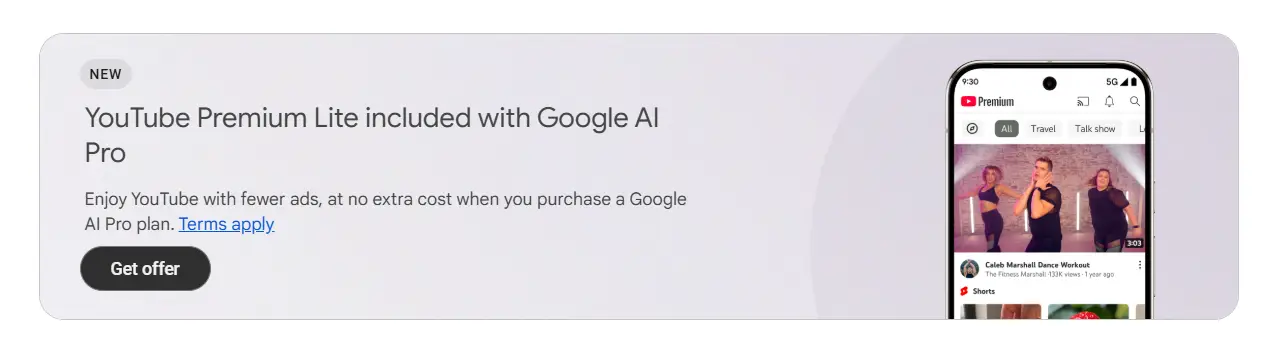
Google is currently offering Youtube Premium Lite plan that gives you fewer ads at no extra cost when you purchase a Google AI Pro plan.
How to get YouTube Premium Lite discount?
- Visit our Google Gemini student discount page.
- Follow the steps that we have suggested on that page.
- Get the Google AI Pro plan and click "Get offer" on the YouTube Premium Lite banner (as shown above).
Offer is not available during free trials like Google AI for students or Jio offer; it requires a paid Google AI Pro subscription.
Key Benefits
- Ad-free streaming across all of YouTube.
- Background play (audio continues when your screen is off or you switch apps).
- Full, ad-free access to YouTube Music Premium.
- Unlimited offline downloads for videos and music.
Eligibility
| Requirements | • Student Email Address
• Valid Student ID
• Credit Card (verification only)
|
|---|---|
| Criteria |
|
About YouTube
YouTube is the world's largest video-sharing platform where people can watch, upload, and share videos on almost any topic. It offers entertainment, education, tutorials, news, music, and live streams from creators and organizations worldwide. Creators can build audiences and earn revenue, while viewers can learn new skills, stay informed, and enjoy content for free.
Join our Telegram Channel
Get instant, real-time alerts whenever new student discounts and deals are posted.